- Previous: Venchi Open API
- Up: Venchi Open API
- Next: Authorize your API calls
Register your Application
You can create one or more applications to access our APIs. Every application encases all the information about the use you intend to do of one or more set of APIs for a specific use case, and can contain one or more keys. Every key is associated with a plan, which details which APIs/endpoints your application can invoke and the relevant rate limits.
## Create an Application
From the home page click on _**My Account**_, _**Applications**_ and then _**Create a New App**_.
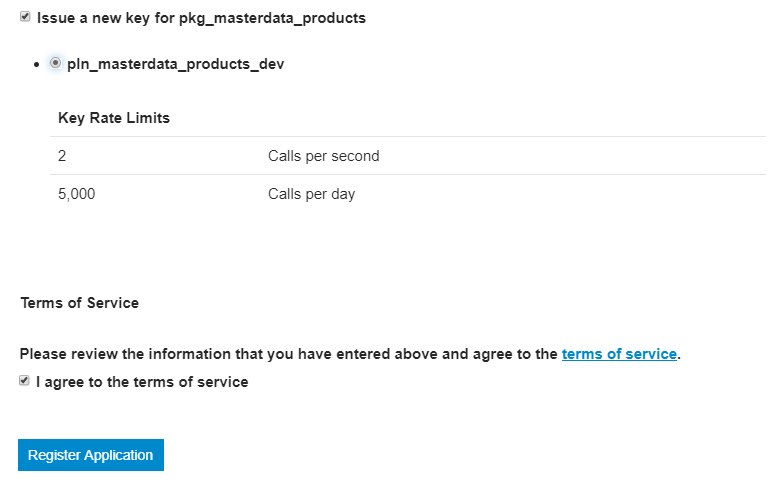
Fill the required fields and make sure to tick the _Issue a new key for Free Package_ and _I agree to the terms of service_ boxes.
Then click on the _**Register Application**_ button.
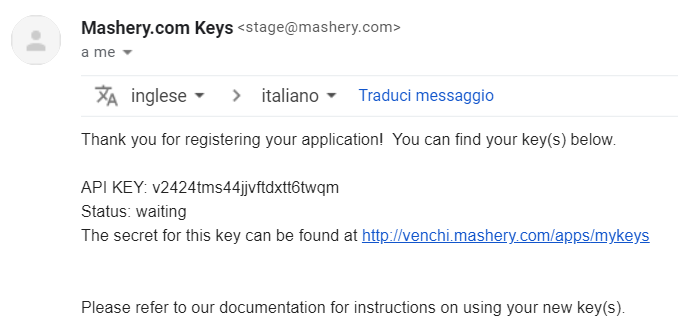
A mail containing your new key will be sent to the address associated with your user account. The corresponding secret will be available in your _**My API Keys**_ section.
## Applications List
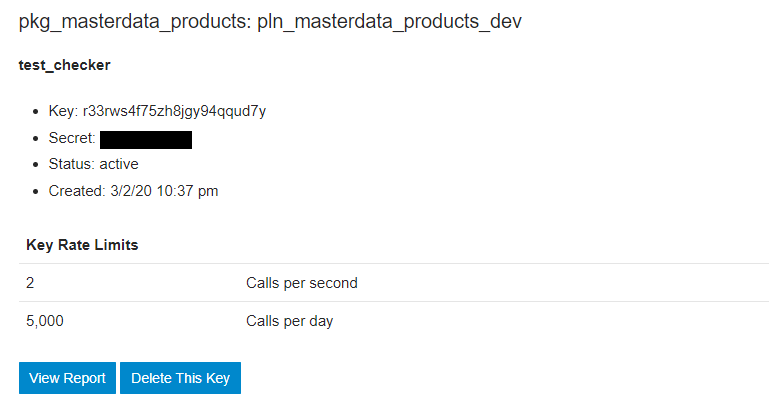
Anytime you need to check your existing applications, you can find them listed here. Here you can also see which plan(s) each application is subscribed to and the corresponding keys.
- Previous: Venchi Open API
- Up: Venchi Open API
- Next: Authorize your API calls
0 Comments
Please sign in to post a comment.